Delete Recording
Give the user an easy way to start over by throwing away the current recording.
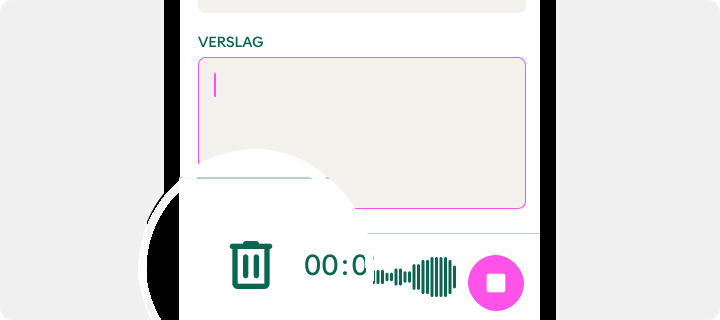
Delete option (bin) available while recording
Usage
Display a delete icon
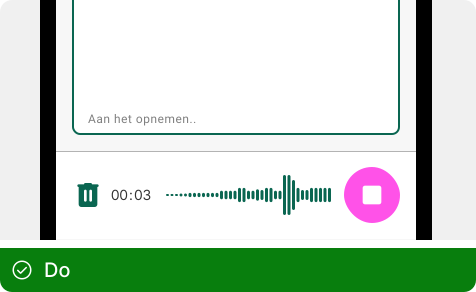
Use easy-to-understand icons and color coding for the delete option
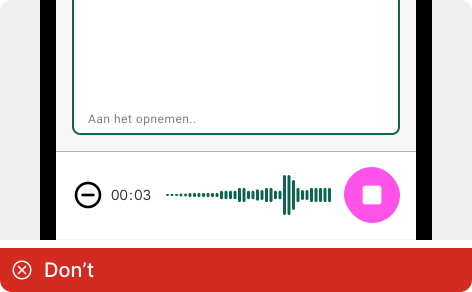
Avoid ambiguous icons and colors that make it difficult to understand
what the delete option is
Positioning the delete option
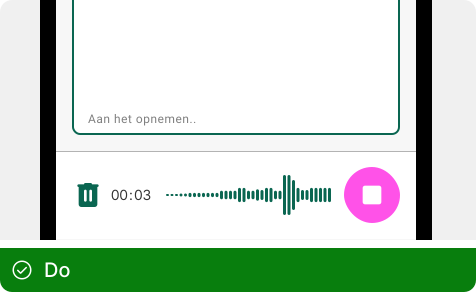
Separate the delete and record option at both ends to easily control
both options separately
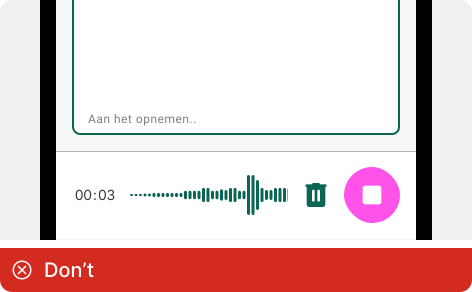
Don't place the delete option next to the record button because clicking
the right control becomes harder